
Staged clues
GM-authored discoveries, completed revelation and protected notes.
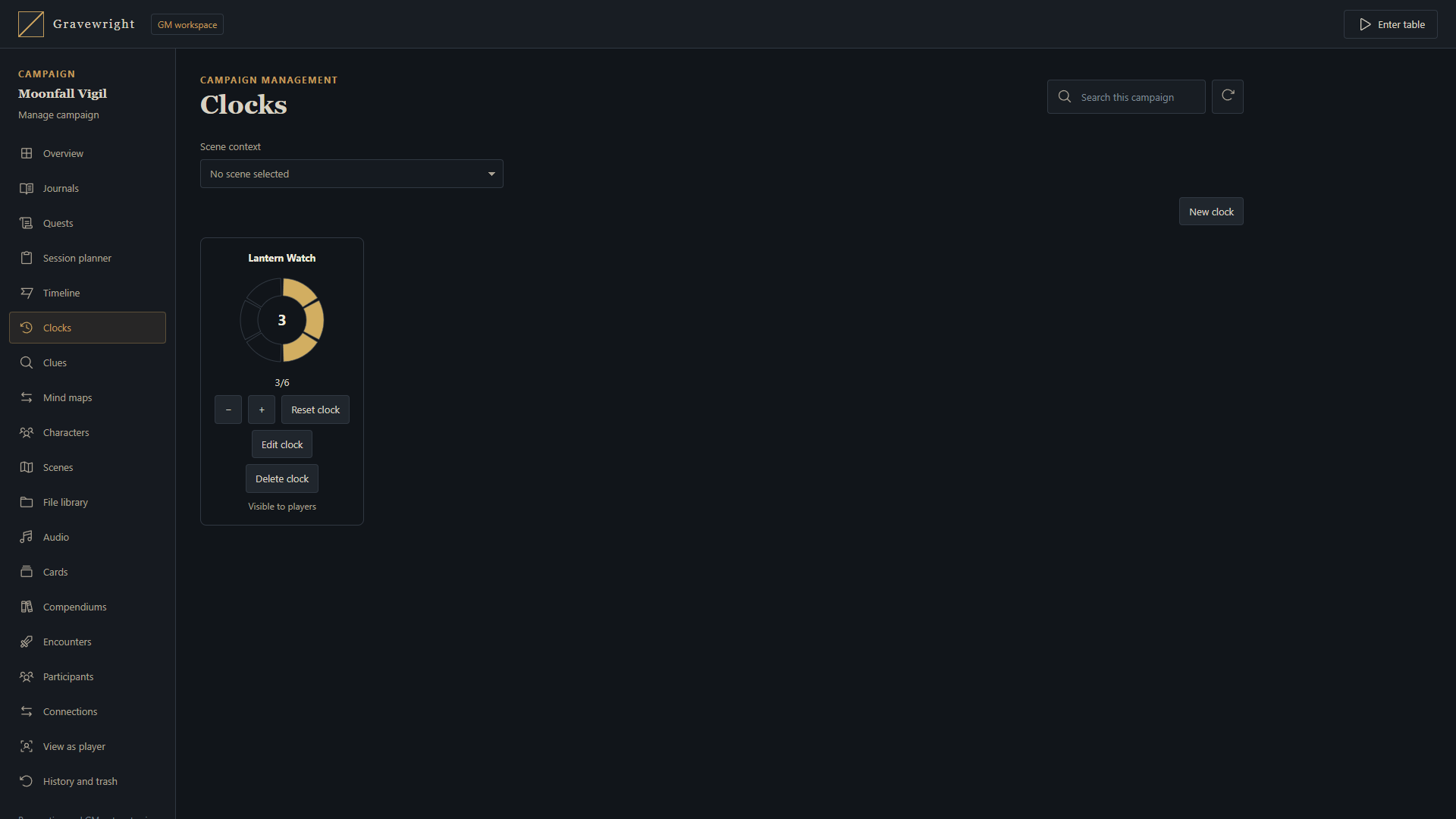
Documentation · Português (Brasil) · Progress clocks
Clues track discoveries with the same campaign and scene scopes as progress clocks. A GM can prepare a finding in advance, record private notes and reveal the finding immediately or after several steps. The table and campaign manager use the same saved clues, independently of the campaign's game system.
Prepare a clue
Open Clues from its icon in the table's lower dock, or select Clues in Manage campaign. A campaign GM can create and edit clues with these fields:
| Field | Meaning |
|---|---|
| Name | Authored title, up to 120 characters |
| Content | Finding shown after discovery, up to 4,000 characters |
| GM notes | Private preparation notes, up to 4,000 characters |
| Segments | Required progress, an integer from 1 to 24; defaults to 4 |
| Progress | Current value between zero and the number of segments |
| Color | Clue display color |
| Visibility | Reveal when discovered, or GM only |
| Scope | The whole campaign or the selected scene |
| Pinned | Show the permitted clue in the table's pinned area |
Use one segment for a finding that should appear in a single step. Use several segments for an investigation that requires multiple discoveries. A campaign can contain up to 128 clues. GM notes are separate from Content: they remain private even after the finding is revealed. Authored names, content and notes keep their original wording when the interface language changes.
Selecting a scene in campaign management prepares that scene without changing the table's broadcast, private navigation or presence. A scene-scoped clue is available only in its scene. Deleting the scene removes its scoped clues.
Discovery and visibility
Players and streamers receive a clue only when both conditions hold: its progress is complete and its visibility is Reveal when discovered. Before then, the server omits the record, including its name, content, identifier and unfinished progress. It does not send a placeholder or a count of undiscovered clues. GM notes are omitted from every player and streamer projection.
Only campaign GMs can configure clues or change their progress directly. Players and streamers can open permitted findings as read-only content. Pinning a clue follows the same discovery and visibility checks as the full list.
A GM can left-click the clue's progress bar to advance one step or right-click to reduce one. Focus the bar and use Right/Up to advance or Left/Down to reduce; the full list and manager also provide + and − controls. This works in the campaign manager, the full table list and the pinned display, with the same segment bounds, revision and pending-operation checks. Players and streamers cannot change clue progress through these gestures.
| GM operation | Result |
|---|---|
| Advance or reduce | Change progress within its segment bounds |
| Reveal | Complete progress and make the finding visible to players |
| Hide | Make the finding GM only while preserving progress |
| Reset | Return progress to zero while preserving visibility |
| Delete | Remove the clue |
Reducing a completed clue below its required progress removes it from player views until it is complete again. Hiding a clue removes its current presentation; participants may already remember content they previously discovered. Closing a window does not delete saved clues. Reloading restores their saved configuration and progress.
Double-click a clue's name, or focus it and press Enter or Space. A GM opens the native clue editor. Players and streamers open a simple read-only modal showing the discovered clue's Content as its description. It never includes GM notes. Current discovery and visibility checks still apply when opening or refreshing the modal. No additional description field is stored for clues.
Arrange pinned clues
Clue cards and unfilled steps have transparent backgrounds. Pinned clues show only their name and progress bar; use the name to open the editor or description. Each pinned clue on the table moves independently when you drag its title. Focus the title and use the arrow keys to move one pixel, or Shift plus an arrow to move ten. Escape cancels an active drag. Resizing the browser keeps indicators within its visible area.
Each account's positions are saved for that campaign and indicator in the current browser and restored after reload. Wide and narrow screens keep separate positions, restoring each layout when you resize back. Moving an indicator sends no position command or broadcast, changes no campaign/scene/progress data and leaves other participants' layouts unchanged. Players and streamers can arrange their permitted discoveries locally while their clue content and progress remain read-only. Pinning and visibility remain shared GM settings; undiscovered clues are still omitted by the server.
MapBuilder mechanisms
Use Control clue in a Smart Object's Blueprint to connect a map interaction to advance, reduce, set, reset, reveal or hide. A numeric Amount connection overrides the configured amount for advance, reduce and set. Reset, reveal and hide ignore Amount.
A GM-authored binding authorizes that specific operation when a participant interacts with the mechanism. It grants no general clue controls and exposes no undiscovered content or GM notes. Execution requires an active campaign GM and retains the clue's campaign and scene restrictions.
Simulate describes the planned action without changing saved clues. Test behavior uses the server engine, previews before and after values and rolls back clues and receipts with the rehearsal. Committed play updates the same saved clues and their permitted table displays.
See Control clues in MapBuilder for connections, amount limits and the difference between generating and updating a scene.
Synchronization, backups and upgrading
The tabletop receives committed changes over its existing realtime connection. Campaign management refreshes its HTTP projection without entering the table or creating presence. Concurrent edits require the current integer revision; after a conflict, review the refreshed clue before submitting another operation. Retries of the same operation reuse its request UUID so progress is applied once.
Campaign exports, snapshots, restores and clones preserve clue configuration,
content, GM notes, progress and scope. Clone options can omit clues with
clues: false. Omitting scenes with scenes: false also omits scene-scoped
clues while preserving included campaign clues. Included Blueprint bindings are
remapped to the copied clues; omitted targets remain unavailable instead of
controlling the original campaign's clue.
This feature adds the gravewright_table migration 0004_progress_clue.
Apply pending migrations before restarting an existing installation:
uv run --locked python manage.py migrateExtension authors can use the clues domain of the public API.
The API applies the same discovery, privacy, scope and role checks as the native UI.