
Learn to build modules and systems
Choose what you want to build and follow it from the first file to a working tabletop feature.
Choose the outcome you want to deliver
Use the complete capability map to locate every method, operation, surface and Map Builder family.
| I want to build | Tutorial | What I can test |
|---|---|---|
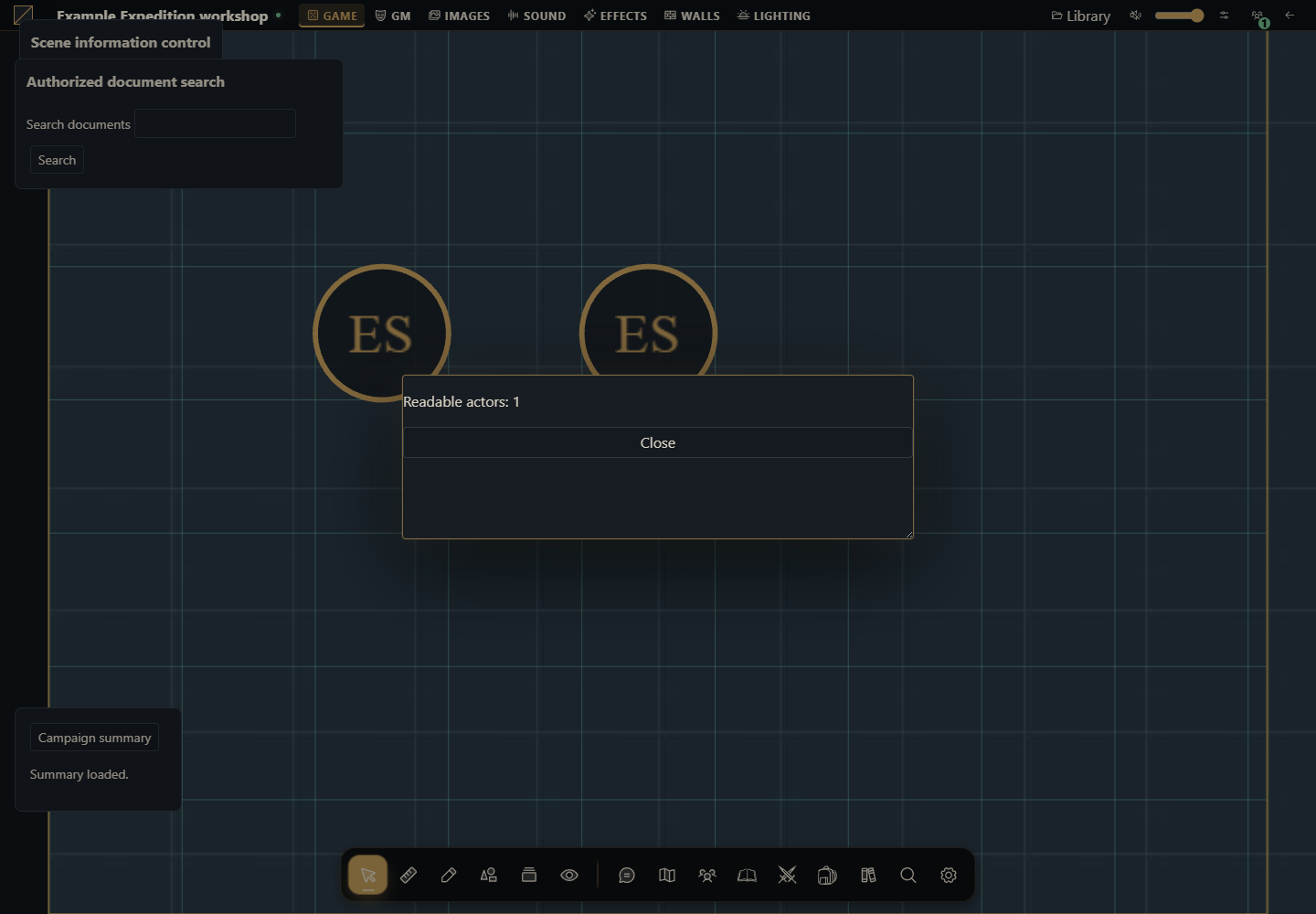
| My first module | Create, install and update a module from scratch | Table button, authorized read and native modal |
| A journal tool | How to create a journal module | Create a journal and append a section from module UI |
| An action in an existing sheet | How to create a module that acts on a sheet | Edit a name while preserving sheet data and token snapshots |
| A module-created library | How to create a compendium module | Create a pack, capture content, read an entry and import a copy |
| Content shipped with my system | How to include compendiums in a system | Install one ZIP with a system, JSON files and three original packs |
Start with the first tutorial if you have never installed your own module. The table above supplies entry points. The full catalog below also covers actors, items, scenes, tokens, combat, cards, audio, chat/dice, quests, roll tables, files, persistence, translation, windows and server code. Every guide provides files, adaptation points, installation, activation and observable results. Use a development campaign and original content.
Every project and its recipes
All extension capabilities and where to implement them: An explicit method-by-method map to projects, local helpers, surfaces, server integrations and release limits.
How to create a complete original system package: One installable ZIP with working actor/token sheets, item types, stored initiative and three original compendium packs.
How to create a journal module: Build, install and run a normal module that creates private journals and appends saved GM session drafts.
Create a journal from a module, from scratch: Use the public create operation from a table.interface form and open the resulting private document.
How to create a module that acts on a sheet: Start with an empty folder and ship a working rename action on existing actor and token sheets.
How to build and replace a complete system sheet: Use the working Example Expedition package, install it, create actors and verify linked and independent tokens.
How to create a compendium module: Build the complete package from an empty directory, install it and verify its original content.
How to include compendiums in a system: Build the complete package from an empty directory, install it and verify its original content.
How to create a scene tools module: Build a working module to inspect scene layers, edit metadata, manage folders, draw a native door and broadcast a test scene.
How to create a token tools module: Place, move, duplicate, configure and remove tokens; control native vision/visibility and timed conditions.
How to create a combat tools module: Build a working encounter laboratory covering participants, initiative, order, flags, turns, rounds and cleanup.
How to build item and inventory tools: Create, organize, duplicate, share and edit original items with native revisions and permissions.
How to build deck and card tools: Create reusable deck definitions, draw, reveal, move, transfer and recover cards with real ownership.
How to build scene audio and soundtrack tools: Configure native tracks, playlists, spatial sources, scene voices and timed scores with the correct revisions.
How to build chat, dice and ready-check tools: Create a working module that sends messages, publishes rolls, moderates chat, searches documents and updates readiness.
How to create quest automation and quest-board actions: Create and read a real quest, advance objectives, assign actors and manage every board relationship.
How to create, draw and reset weighted roll tables: Build an original journal roll table, edit a weight without losing data and publish native draws with or without replacement.
How to create, organize and share journal documents: Build native rich diaries, preserve pages when editing, organize folder trees and control access and presentations.
Build an actor-directory module: Create, organize, rename and authorize actors using system-owned types.
Persist module settings safely: Implement personal, shared and browser-local JSON with revisions and cleanup.
Upload and use module and campaign files: Use File/Blob, actor images, card assets, native file providers and downloads.
Translate a module and react to changes: Read package files, format translated UI and subscribe without leaking listeners.
Maintain a module using the original host.call SDK: Concrete actor/token DTOs, opaque revisions and the remaining multipart/local operations.
Build Customize forms and native module windows: A complete personal settings form with migration, CAS, translations, modal lifecycle and preferences mounting.
Create a trusted Django integration and server hooks: Complete Python app with authenticated routes, native mutations and after-commit signals.
How to create and activate an installation language package: Package six original interface strings, install globally, choose a personal locale and verify English fallback.
How to version, sign and distribute a module: Prepare immutable ZIP releases, verify Ed25519 catalog records and understand installation, activation and revocation.
Before choosing a “module type”
Journal, sheet and compendium describe what your module does. They are not values for a manifest kind field. A journal module is a regular package registering journal.sheet and calling journals. A sheet action registers actor.sheet and token.sheet. A library can be created as campaign content through the API. A system catalog declares system and content.compendiums in the same manifest.
| Decision | Choice |
|---|---|
| Add a button or panel | mode: augment, keeping the existing UI |
| Draw your system's own sheet | mode: replace with system-owned types, as in the sample system |
| Save journal/actor data | The public document API with the revision you read |
| Save a module preference | Module storage, without overwriting the document |
| Ship a catalog with a system | Physical ZIP files and content.compendiums |
The complete development cycle
Define an observable action, such as “clicking the button creates a section.” Choose a resource supported by the 0.3.0 contract.
Create a folder containing manifest.json, a JavaScript entry, styles and a license. The manifest names files; it does not implement the action.
Implement start/register/stop. Use the mount's root and api, and register the surface where the tool should appear.
Build a ZIP with the manifest at its root. The installation owner installs it on a development host.
The GM activates the exact version for the table. A system also needs to be selected as the campaign system.
Open the window or directory receiving the mount. Execute the action and inspect persisted data rather than relying on a success message.
Test read access, conflicts, cancellation and player behavior. Installed versions are immutable: increase the package version before installing changed bytes.
When to use the reference
Tutorials teach the full flow. Use Examples by kind to vary a contract and the module reference for limits and signatures. The API guide covers methods. When an idea cannot be implemented on the requested release, explain that limitation before inventing an endpoint or requiring a host upgrade.
How to use AI to start a module
I want to build [observable action] on Gravewright 0.3.0. Start from tutorial [link] and its ZIP. Before coding, identify the mounting surface, the API that saves the resource, and package installation/activation. Deliver the complete tree, every file, installation steps and tests with observable results. Preserve revisions, permissions, private sections and snapshots. Do not invent a manifest kind or an unavailable API.