
Systems, modules and the marketplace
Install trusted packages and understand the difference between host installation and table activation.
Choose the package type
| Type | Responsibility | Who selects it |
|---|---|---|
| RPG system | Sheets, document types and its own rules/content | Owner installs; campaign selects the system |
| Browser module | Table tools and interface extensions | Owner installs; GM activates for the table |
| Trusted Django app | Server-wide extension | Owner activates with a managed restart |
The native PDF system remains available without a marketplace. Installing a system does not include every book or catalog for that game.
Install a package
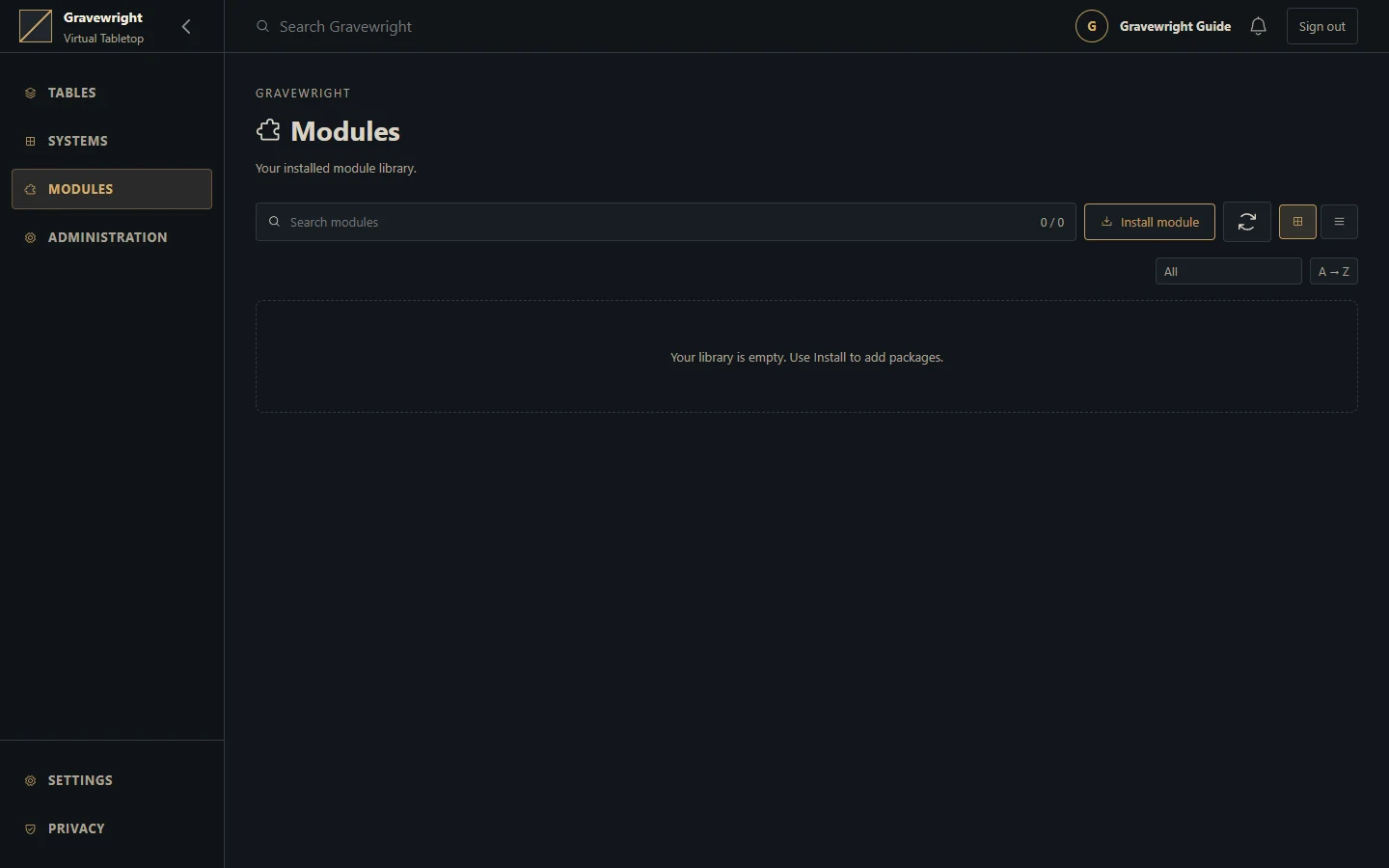
As installation owner, open Systems or Modules in the library.
Choose Install to browse the configured marketplace, or Install from ZIP for a local package you explicitly trust.
Inspect author, version, compatibility, permissions and license. Marketplace discovery shows the newest compatible, non-revoked release per package.
Wait for installation to finish, then refresh the installed library if the connection was interrupted.
Select the system for the campaign, or have its GM activate the browser module in Settings → Extensions.
Reload existing clients when required and test with both GM and player accounts.
Installing a new version does not automatically replace the exact release active in every table. Activation is a separate selection. Server apps require the owner's server-wide activation and managed restart.
Trust and language
Browser module JavaScript executes on the application's origin. Signatures validate package provenance and integrity; they do not sandbox the code. A local ZIP installation is the owner's trust decision and still undergoes archive and compatibility validation.
English is the default interface language. Available language packages/settings and system catalogs determine translations; user-authored names and notes are not translated automatically. Preserve each user's explicit language choice.
Browse and search in your language
The owner installs and activates the compatible Translator language package for the installation. It is managed globally rather than enabled as a campaign extension. Reload existing pages after activation.
In account Settings, choose English, Portuguese (Brazil) or Spanish from the available languages. This is each account's own preference; another signed-in account does not inherit it.
Open Systems or Modules, then its installation browser. Marketplace category names and package tag badges follow the selected language. Categories belong to the selected package type and sort by their displayed labels.
Search by an original tag or its translated label in either the installed library or the marketplace. For example, Translation and Tradução can find the same tagged package. Clear the category or use All packages when checking the full catalog.
Translation changes presentation only. Package IDs, original tags, signed records and category-filter identities stay intact. Package and publisher names, descriptions, acronyms and custom tags without a translation stay as authored. Long tags wrap on small screens. Without an active language package, the interface uses English; disabling it returns to English on the next page load. The installed library stays available when catalog discovery is offline.
Troubleshoot
An empty marketplace may mean missing catalog/key configuration or unavailable networking; installed packages remain separate from discovery. Do not disable verification to fix a rejected archive. Confirm the host version and package requirements. Before changing a system, back up and inspect existing actor data and compendiums; switching systems does not automatically convert all documents into another RPG's format.