Music, ambience and positional audio
Prepare reusable tracks and playlists, then check what players actually hear.
Prepare your audio
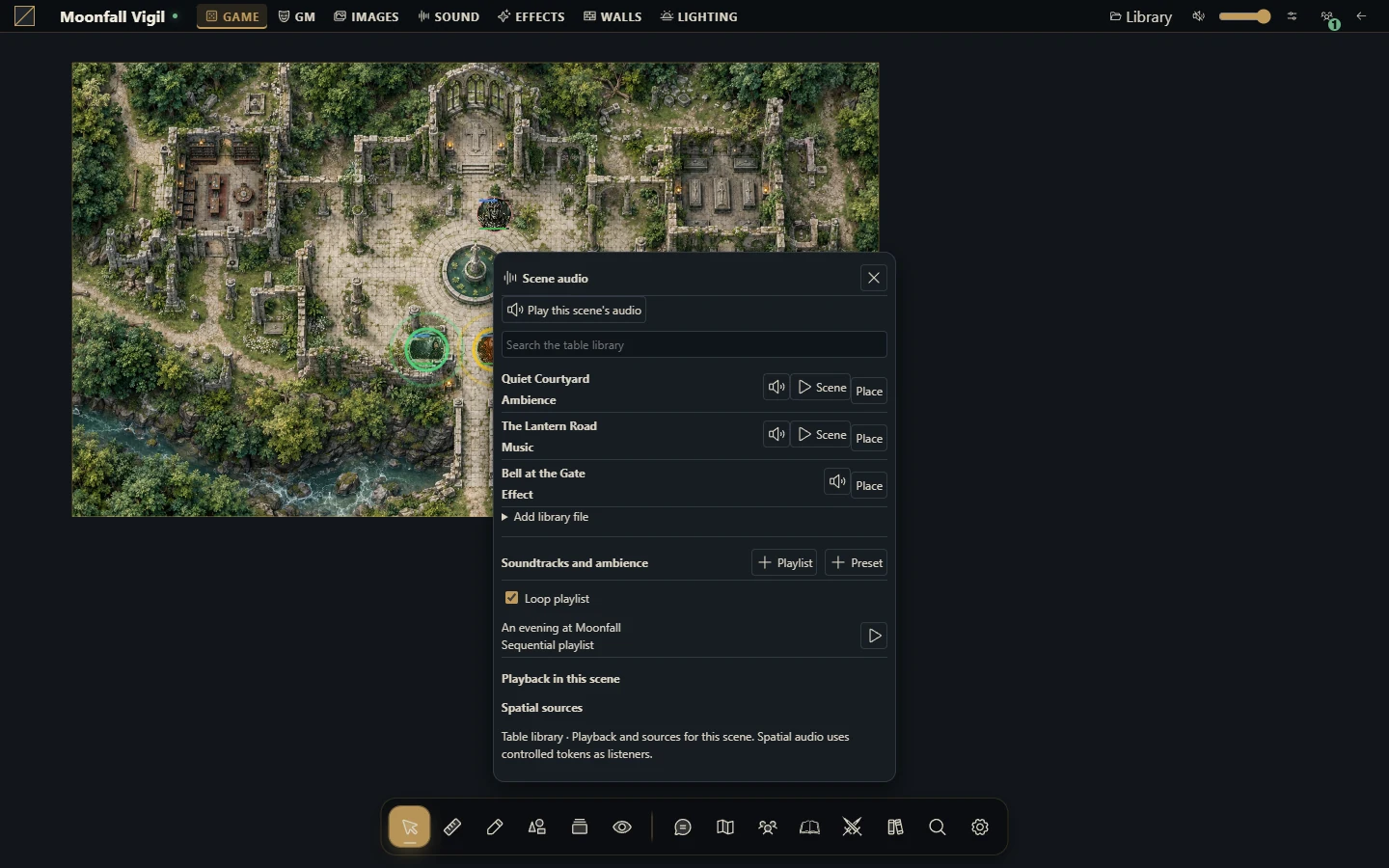
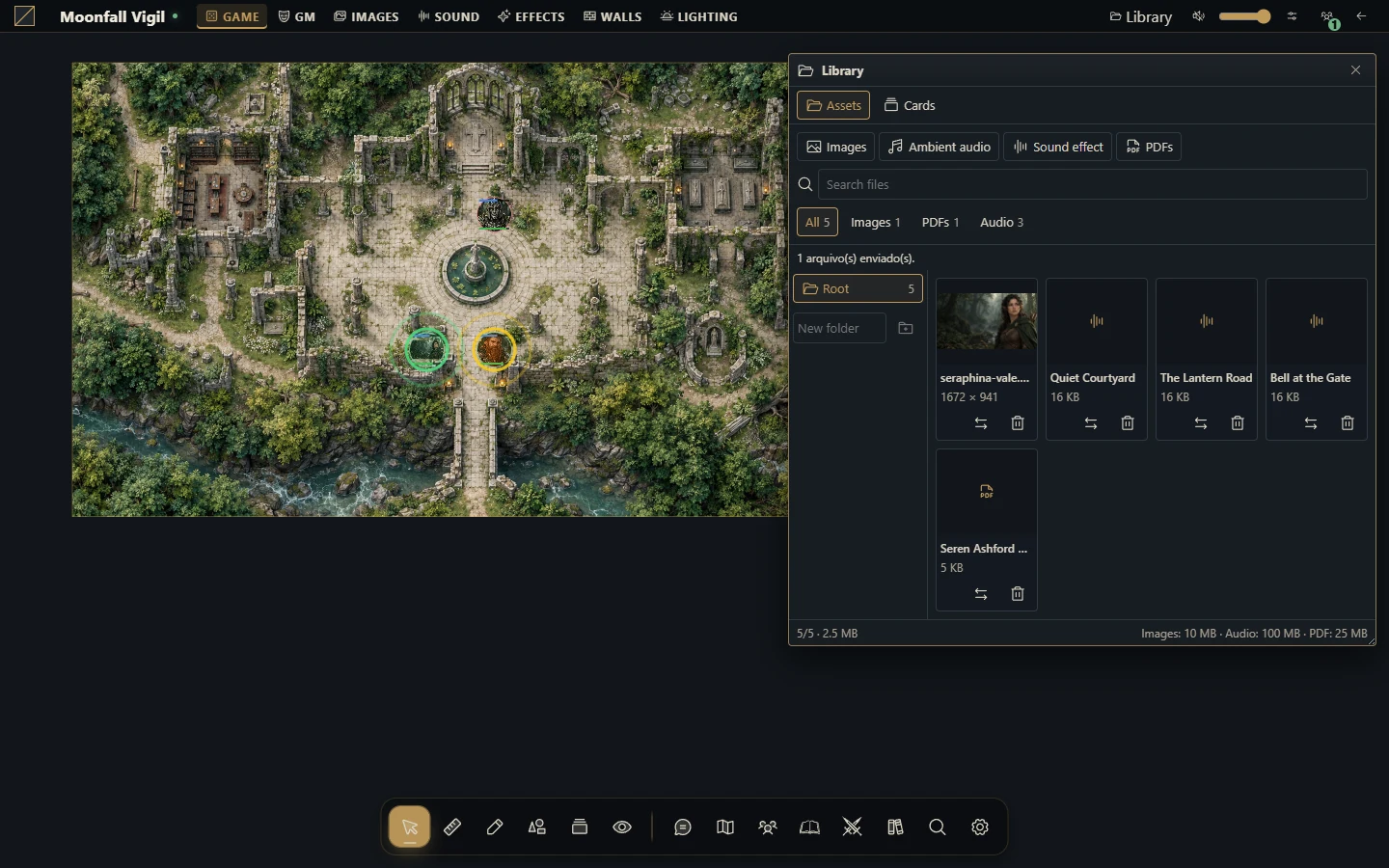
The GM manages campaign tracks, playlists and scene playback. Tracks can be music, ambience or effects. Upload only audio you may use, give tracks clear names and test that the browser can play each file. Effect tracks are one-shot rather than looping music.
Build a session soundscape
Upload and classify your tracks in the audio workspace.
Set sensible volume and loop options on each track.
Create a playlist, select its tracks and choose sequential, shuffle or repeat playback as appropriate.
Open the intended scene and start playback there. Use pause, stop, seek and volume controls as needed.
Ask a player to interact with the page and confirm that audio is audible before the session.
Playlists support up to 200 tracks. Scene soundscape presets are reusable collections; a track on disk is not automatically playing in every scene.
Add positional sound
Place a sound source in the scene and configure its radius, gain, falloff and occlusion. Test from the position of a controlled token. Walls and sound barriers can affect attenuation; the GM's listening context can differ from a player's. Smart Objects can play a campaign sound or control a sound already playing in the scene.
Troubleshoot silence or uneven playback
Browsers often require a click or other interaction before audio starts. Check site/tab mute, system output, volume, scene and playback state first. For positional audio, inspect source enabled state, radius, token position and occlusion. Reconnect to refresh synchronized playback after an interruption.
Deleting a campaign track can detach playlist entries, positional sources and blueprint references using it. Stop playback and inspect reuse before removing a shared track. Deleting the file is different from removing one source from one scene; keep originals in your normal content backup.
More screenshots for this guide (1)