
Your first session
Go from an installed Gravewright to a shared scene with characters, notes and dice.
Choose your role
Gravewright is a self-hosted virtual tabletop played in a browser. One person operates the installation; campaign game masters prepare the adventure; players join campaigns. These responsibilities are related but have different permissions. Version 0.3.1 is an alpha preview: plan a short rehearsal before relying on a new feature during play.
If someone already hosts your game, ask for its address and invitation code. You do not need another server installation to join.
Prepare your first game
The host follows Installation, starts the generated Runner and opens the supplied address. On a new installation, create the first owner at /setup.
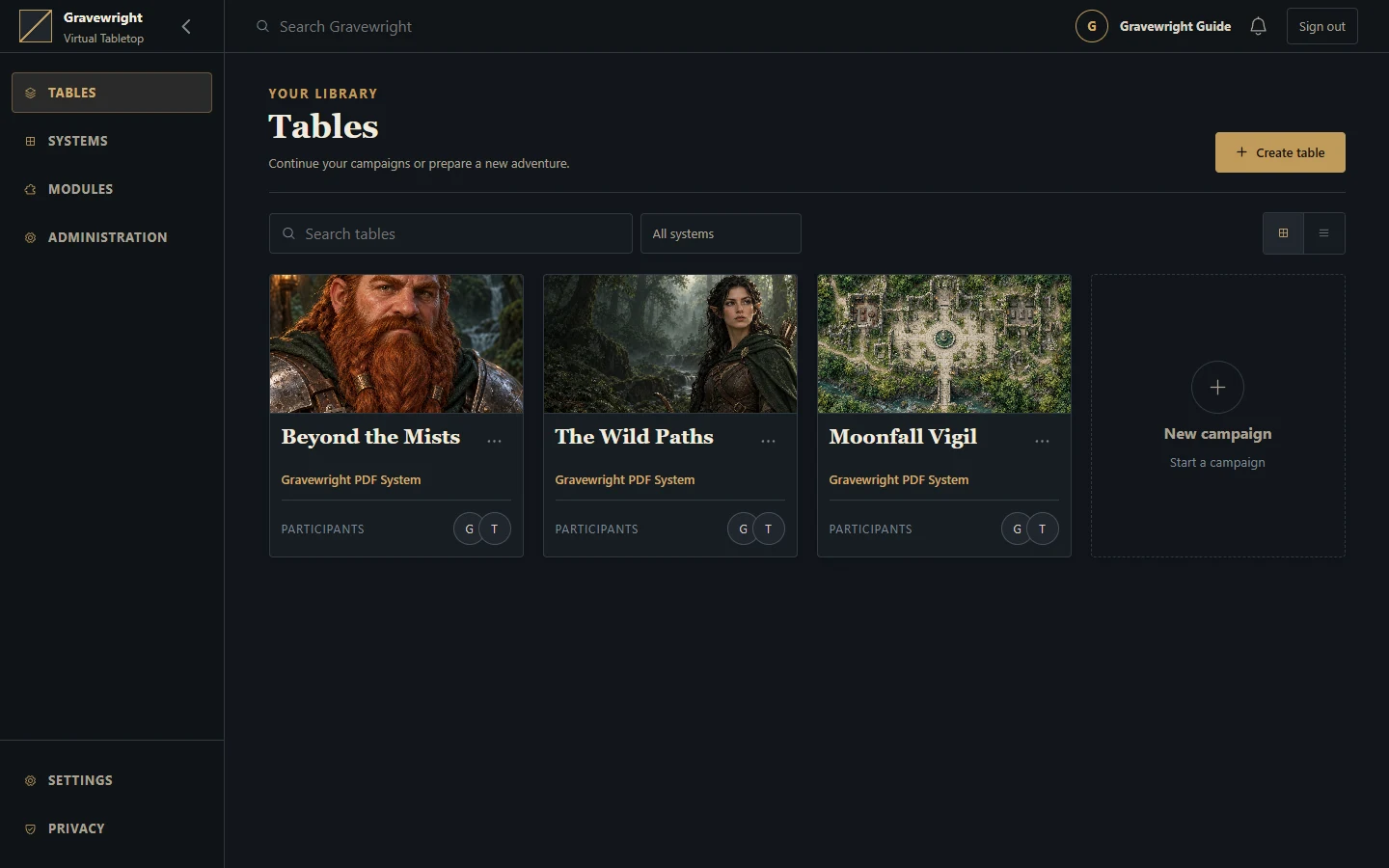
The owner creates a campaign in the campaign library. Choose the native PDF system or a compatible installed system for the sheets you intend to use.
Open the tabletop. Create or upload a scene, configure its grid and prepare it privately.
Create actors, attach or configure their sheets, assign player access and place their tokens.
Add a journal or handout. Check which content each player can read.
Invite a player with a campaign code. Use a separate player session to verify the result.
Choose Activate for players on the prepared scene. Send a chat message and try 1d20 + 3 in the dice interface.
Check the result
Both sessions should show the intended broadcast scene. The player should control their character and see only shared material. Opening a private scene as GM does not broadcast it. Saving a Map Builder project does not generate or broadcast a scene.
If something is missing
Check campaign membership, document permissions and the broadcast scene before reuploading content. For an empty canvas, confirm that the browser supports WebGL and inspect network errors. Reconnecting or refreshing reloads the state authorized for that account. Keep a backup of the installation before significant imports or updates.