Character sheets and the PDF system
Use an existing character PDF or the sheet supplied by an installed RPG system.
Choose the right sheet
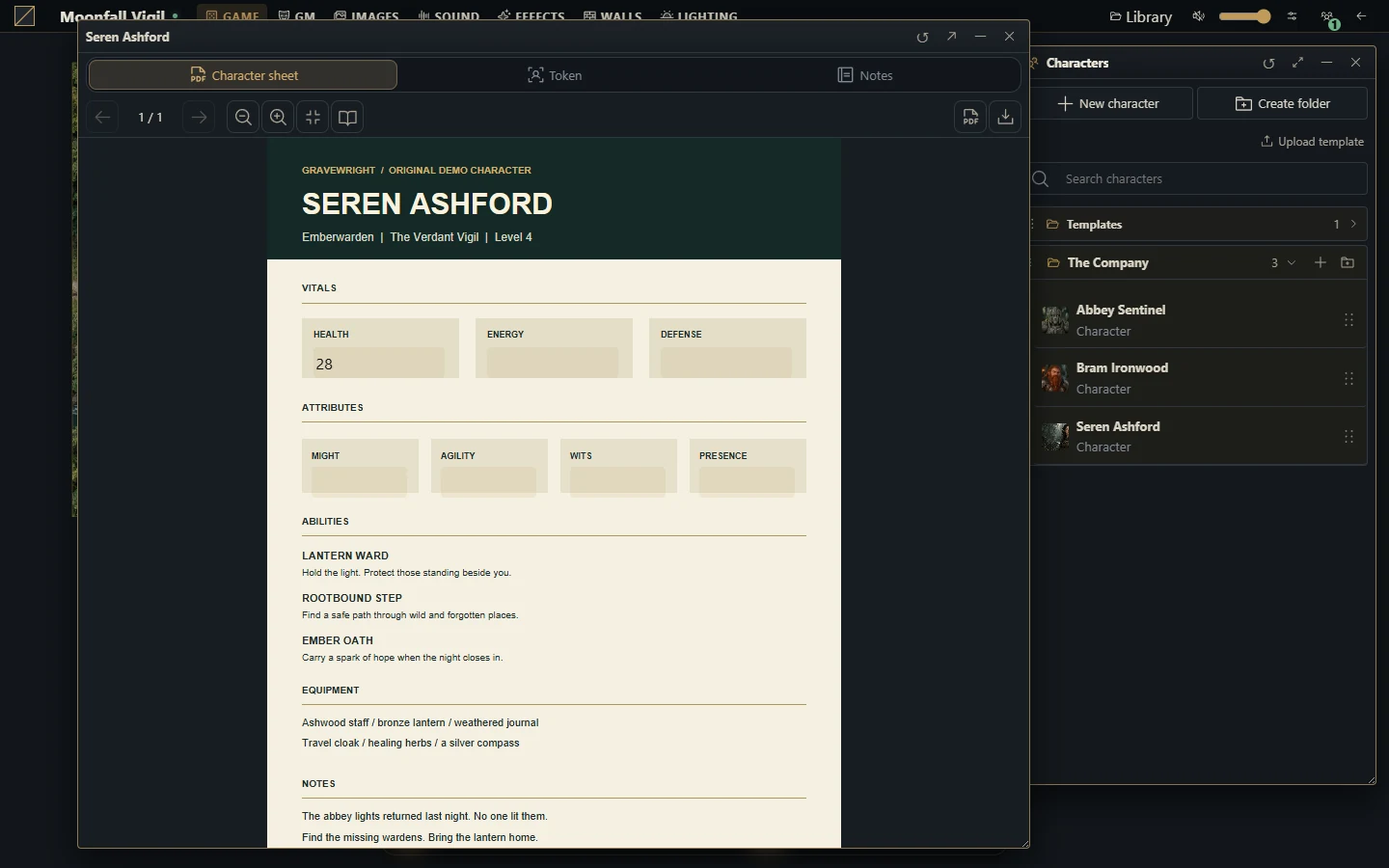
The included Gravewright PDF System lets a campaign use PDF character sheets without making the host depend on a particular RPG. Installed systems can instead provide their own fields, resources, item types, translations and automation. A sheet shown for an optional system is not a promise that its rules are built into the core.
Prepare a PDF character
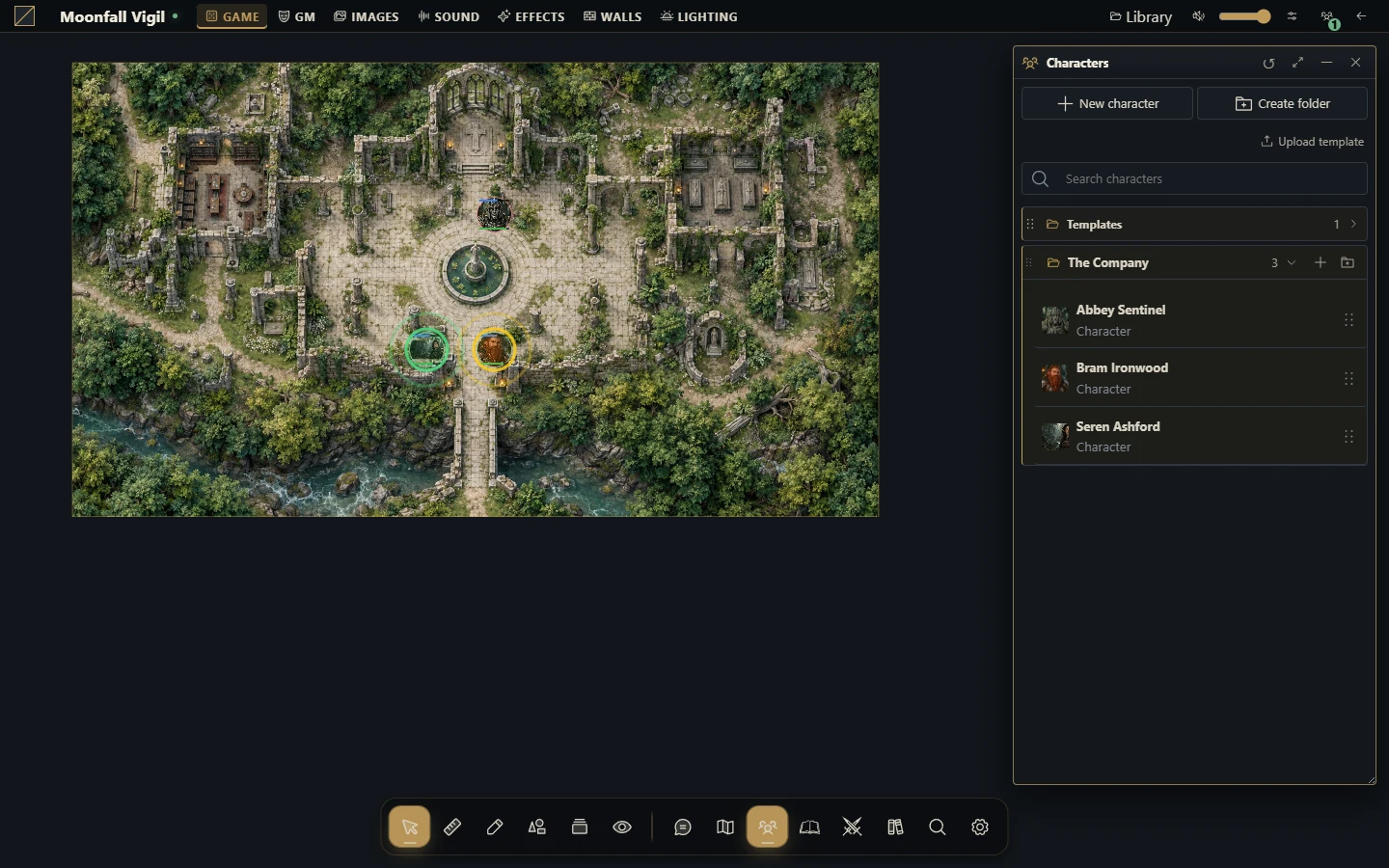
Create or open an actor in a campaign using the PDF system.
Upload a character-sheet PDF you are authorized to use.
Open the sheet's PDF editing/mapping controls and configure the fields needed by your group.
Enter a few sample values, save and reopen to confirm persistence before filling the entire character.
Grant the intended player ownership and verify the sheet from that player's session.
If you reuse the layout, verify it on another character before investing in a larger collection.
Mapping fields onto a PDF does not import a rulebook or implement all calculations from an RPG. Agree with your group on which values you maintain manually and which an installed system actually automates.
Edit the intended source
Opening a sheet from a linked token uses actor data; an independent snapshot token uses its own copy. Check this before changing health, notes or other resources on duplicate creatures. A missing portrait or PDF may be an asset-access issue rather than a missing actor.
Recover from a save conflict
If another session changed the sheet, reload the current state and reapply the intended edit. Do not repeatedly force an old form over a newer revision. If a save response is uncertain after connection loss, inspect the reopened sheet before entering the same change again.
Content and limits
The native PDF system does not include item types or a proprietary catalog. PDFs and images retain their own licenses; owning a book does not automatically authorize redistributing it in public downloads. Keep licensed personal material in the private campaign storage and share only within your authorization.
More screenshots for this guide (2)