
Install and start Gravewright
Prepare a portable installation on Windows, Linux or macOS and understand what the Runner does.
Before you begin
Download the complete official release ZIP and extract it to a writable folder. Preserve the folder structure. The installer prepares dependencies and configuration; the generated Runner starts an installation that has already been prepared. Missing tools and packages require internet for their first download.
| Platform | Installer | Start after installation |
|---|---|---|
| Windows x64 | Install Windows.bat | Gravewright Runner.bat |
| Linux x64 / ARM64 | bash "./Install Linux.sh" | Gravewright Runner.sh |
| macOS Intel / Apple Silicon | Install macOS.command | Gravewright Runner.command |
Windows requires Windows 10 version 1803 or newer, or Windows 11. macOS requires 13.5 or newer. Managed Linux downloads target glibc distributions. Intel Macs also need Apple Command Line Tools and the SDK; the initial cryptography build may take longer.
Install and launch
Run the installer for your platform from the extracted installation and answer its configuration prompts.
Start the generated Runner. Keep its terminal open while playing.
Open the address shown; the usual local address is http://127.0.0.1:3000.
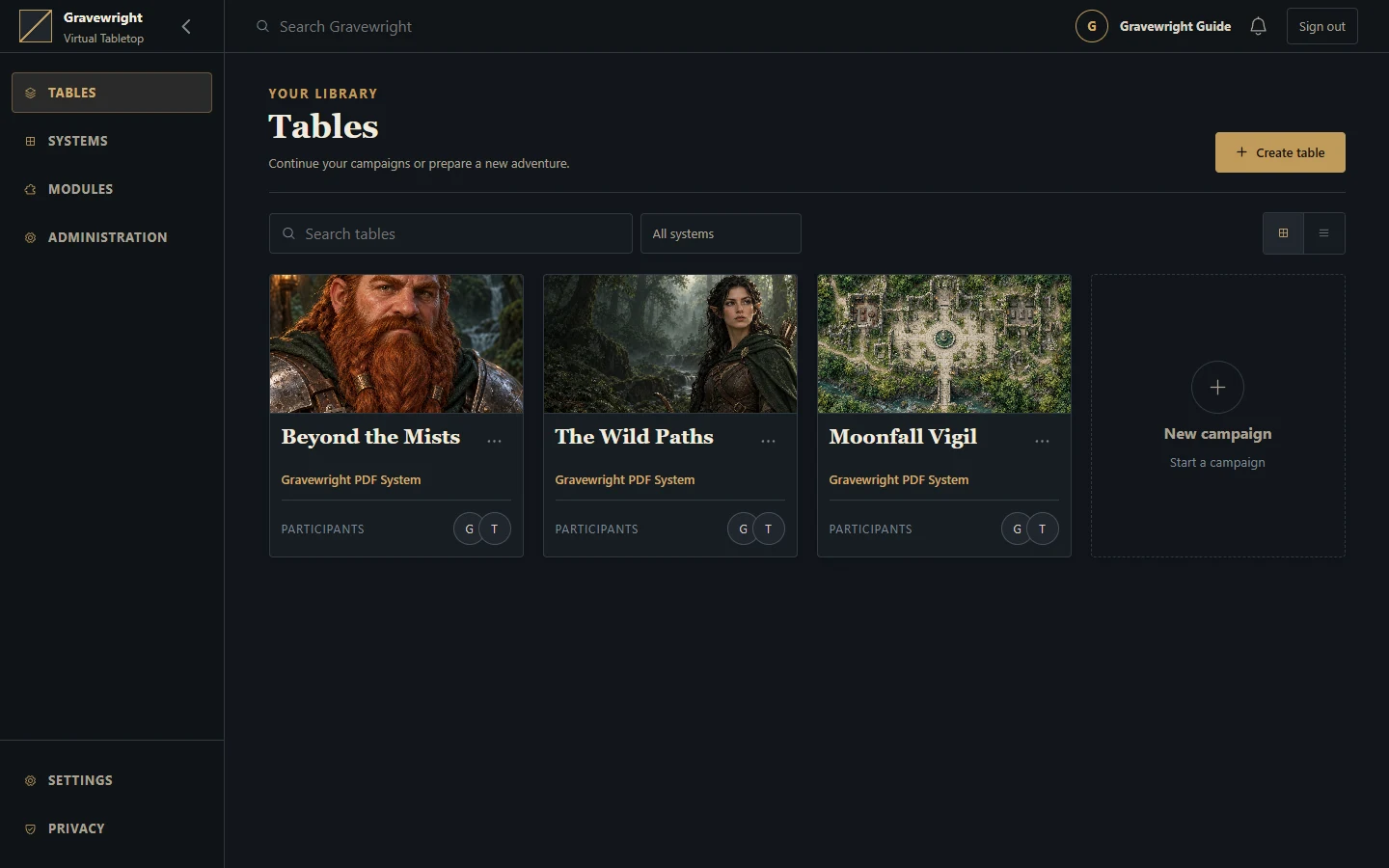
Create the owner at /setup, then enter the campaign library.
Press Ctrl+C in the Runner terminal when you want to stop the server.
Find your files
Defaults stay inside this installation: configuration and secrets in .env, database in data/gravewright.sqlite3, uploads and packages in data/media/, logs in data/logs/, tools and caches in data/runner/. Keep these together when backing up. Two extracted installations have independent state.
Recover from startup problems
If the Runner says prepared tools are missing, rerun the installer in the complete folder. Rerun it after moving or updating the installation. On Linux/macOS, use bash with the quoted script name if double-click launch fails. A permission failure needs the reported folder made writable; do not move only the database as a workaround.
The generated Runner serves the local computer on loopback. Remote players need an intentionally configured public host with HTTPS and WebSockets; see the developer deployment reference. A running local address alone does not make your table reachable over the internet.