
Journals, quests and roll tables
Keep campaign knowledge, share handouts and track objectives without exposing GM notes.
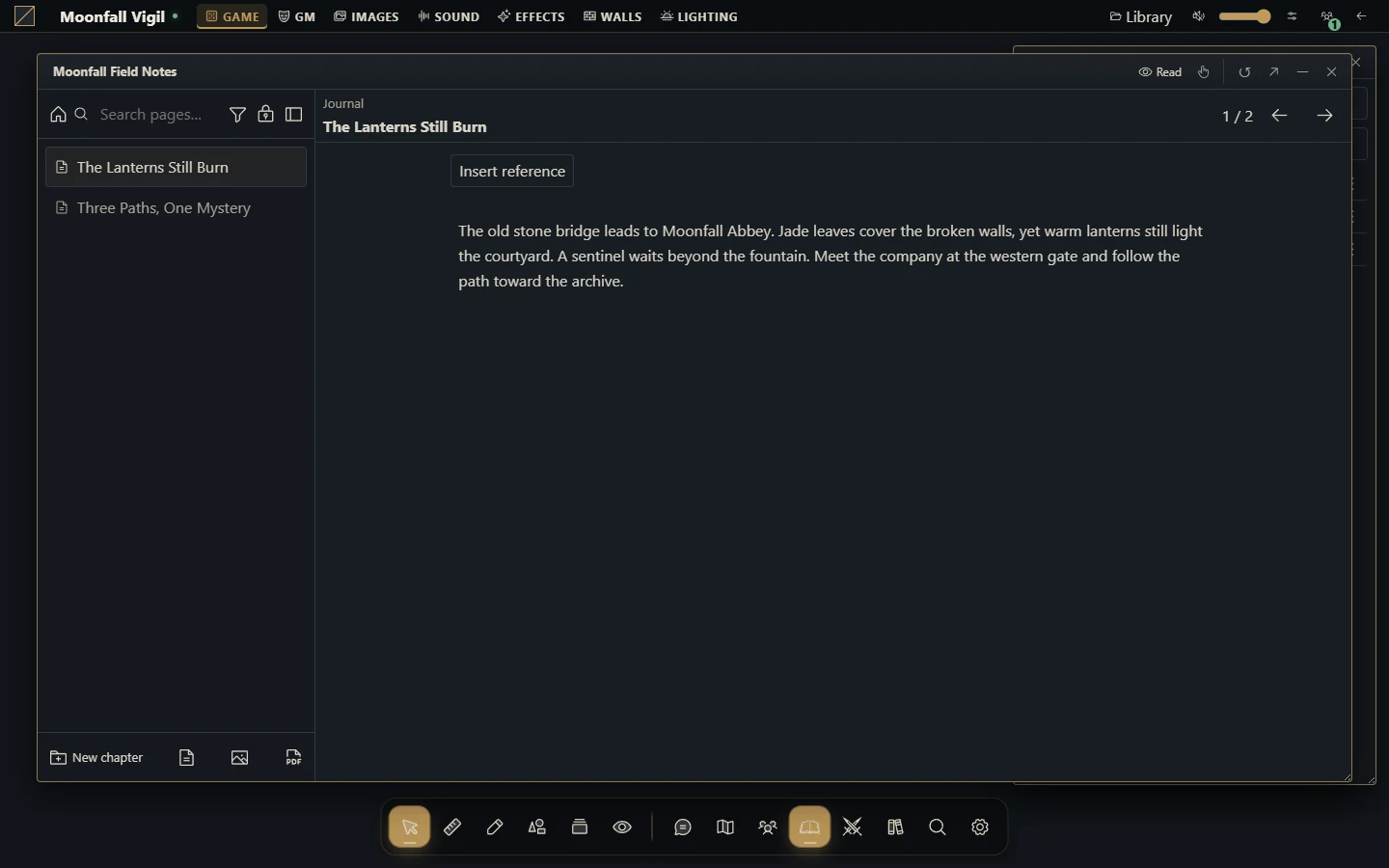
Choose a document
Journals include structured notes, quests, quest boards and weighted roll tables. Use a journal for reference material, a quest for objectives and rewards, a board to organize quests and a roll table for weighted results. Image/PDF attachments let you keep related handouts with the document.
Prepare and share a journal
Create a document in the journal directory and choose its type.
Organize its pages or content sections and add authorized attachments.
Put private preparation in GM sections rather than relying on an obscure page title.
Set document and page access for the intended people. Read access and editing ownership are distinct.
Use the available presentation/handout controls to show the intended material.
Check the result as a player; a shared document does not imply every private section becomes public.
Track a quest
Enter the player-facing description, status, objectives, rewards and assigned characters. Keep GM notes separate. Decide which objectives and rewards players should see. Link the quest to a board when you want a grouped view; hidden quest status, explicit denial and actor access still affect what each player sees.
For an interactive quest giver, bind a fixed campaign quest in the Smart Object's Quest giver or Quest completion model. The GM-authored Set quest status action changes that quest through the journal service. A player interacting with the object receives only that configured action, not general permission to edit quests. Open journal can present a journal, quest or board to selected recipients, but does not grant read access: configure document permissions first. A behavior playtest reports the planned changes and deliveries without saving quest state or opening player windows.
Draw from a weighted table
Add active entries with appropriate weights and choose whether results are replaced after drawing. Check the result audience before a draw. A GM-only result is filtered for players even when they can access the table. If no eligible weight remains in a table without replacement, reset or adjust its entries before drawing again.
Limits and troubleshooting
Quests support up to 64 objectives and 64 rewards, with up to 32 assigned characters. Roll tables support up to 256 entries. If a document appears on a board but cannot be edited, inspect its own access. If an attachment fails, check the file's campaign and permissions rather than publishing its storage URL. Reopen a document after a revision conflict and reapply the intended change to the current version.