Actors and your character directory
Organize reusable character documents, grant ownership and place representations in scenes.
Actor or token?
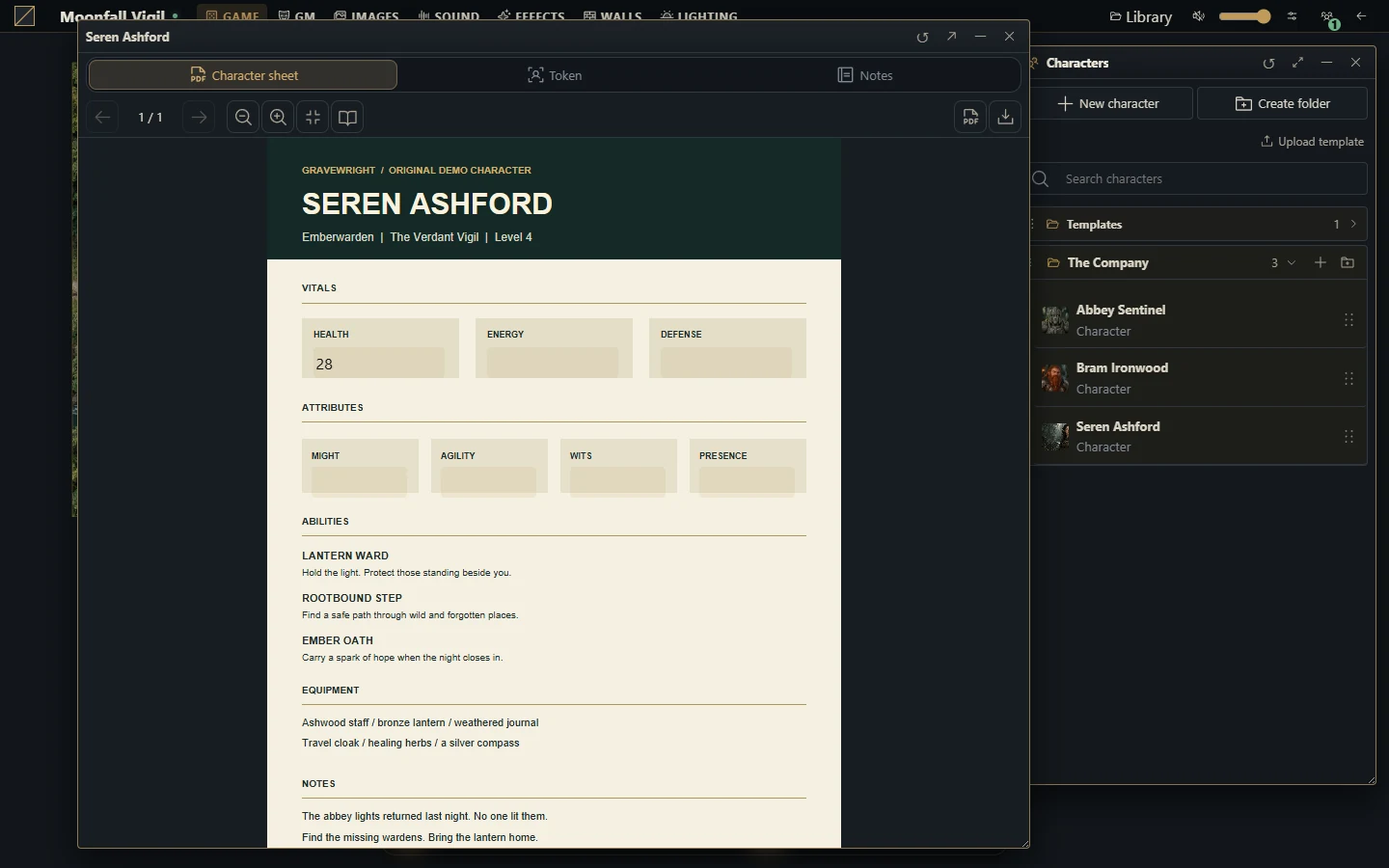
An actor is a reusable character document in the campaign. A token is its representation in one scene. Sheet data and the token's position or visual state are related but distinct. The campaign system supplies supported actor types and sheet behavior; the native PDF system uses the character type.
Prepare a character
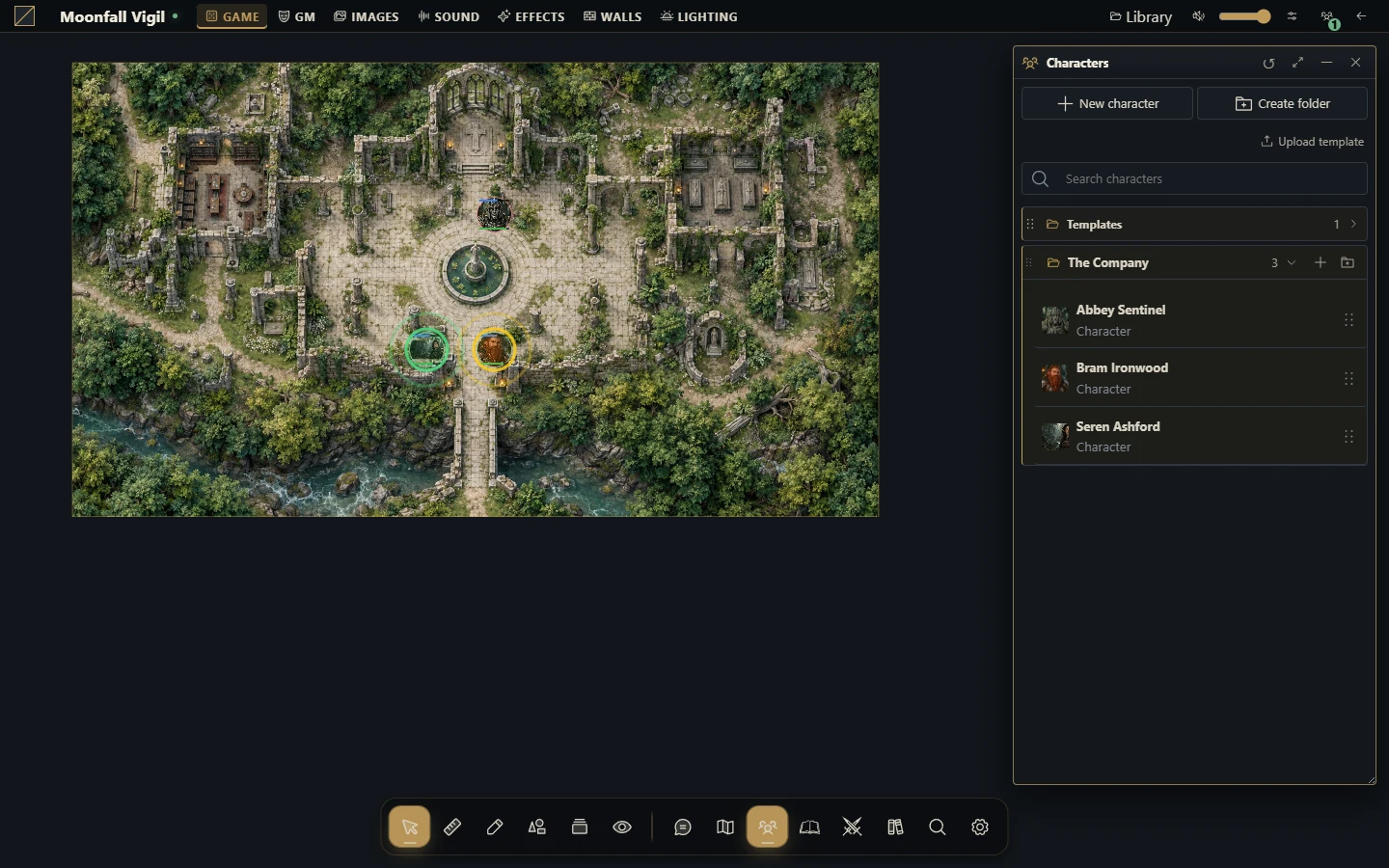
As GM, open the actor directory and create an actor of a supported type.
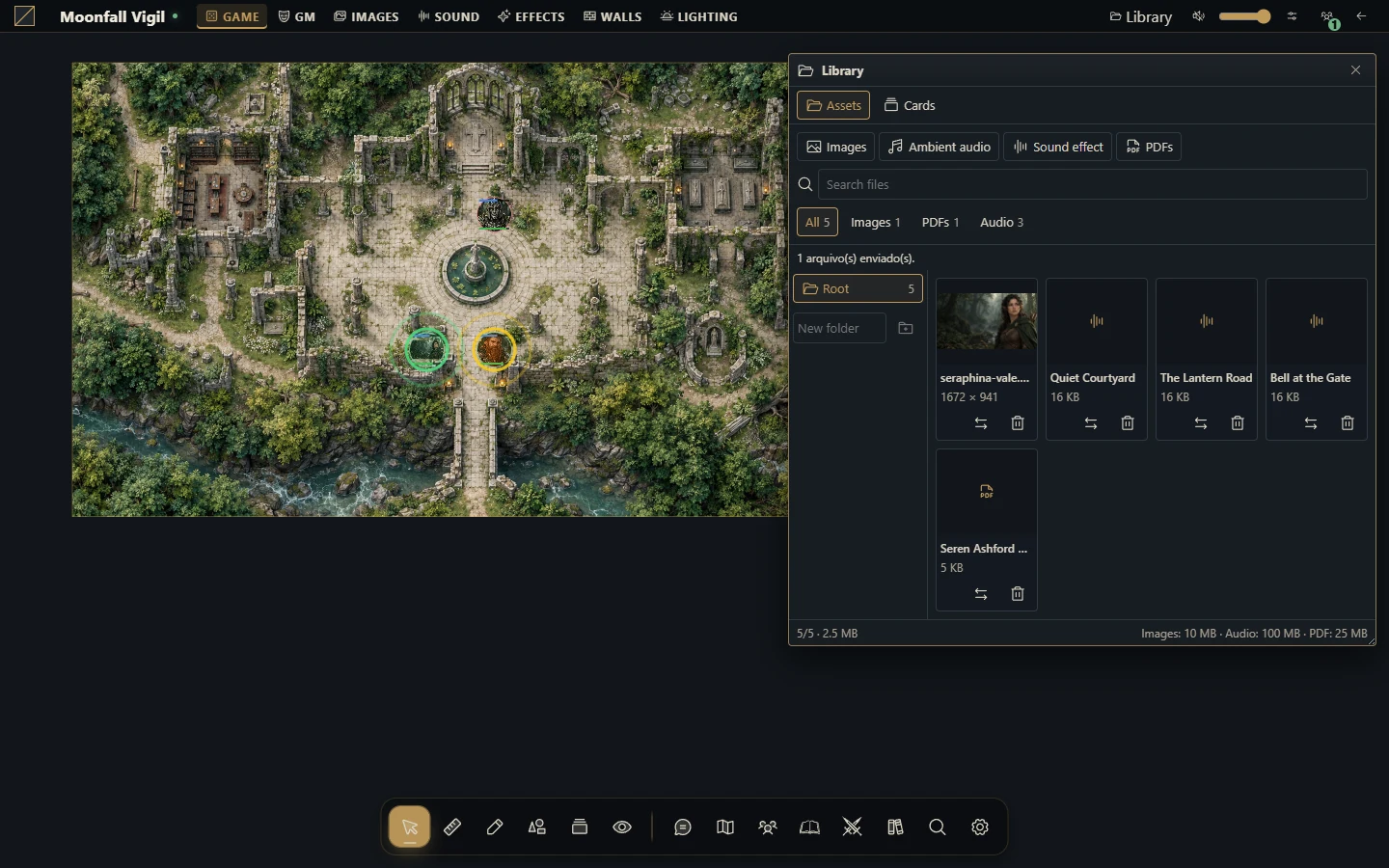
Give it a clear name and organize it in a folder. Add portrait or token art that you may legally use.
Open the sheet. For the native system, attach and configure the character PDF; for an installed system, follow that package's sheet controls.
Configure the actor's permissions for the intended player. Ownership grants editing access; read access alone does not.
Put a token in the intended scene and confirm its sheet source and appearance.
Verify opening, editing and movement in a separate player session.
Reuse characters deliberately
A linked token reads actor data. A snapshot token keeps an independent copy for that token. This distinction matters when using multiple creatures based on one actor: editing an independent creature should not accidentally change the reusable source. Check the token's link mode before changing resources through its sheet.
Folders help organize the directory but do not replace resource permissions. Deleting or changing assets can affect documents that reuse them; inspect references before removing a shared image.
Troubleshoot
If a player cannot see an actor, confirm campaign membership and the actor's permissions. If the actor opens but cannot be edited, check ownership. If the token sheet differs from the directory actor, inspect whether the token uses a snapshot. If expected sheet fields are absent, verify the campaign's system and its installed version instead of assuming every system has the same schema.
The core does not include a universal item catalog or system-specific rules. The native PDF system has no native item types; install a suitable system package when you need those capabilities.
More screenshots for this guide (2)