Navigate and run the tabletop
Find the tools for the current scene and establish a dependable session routine.
Find your workspace
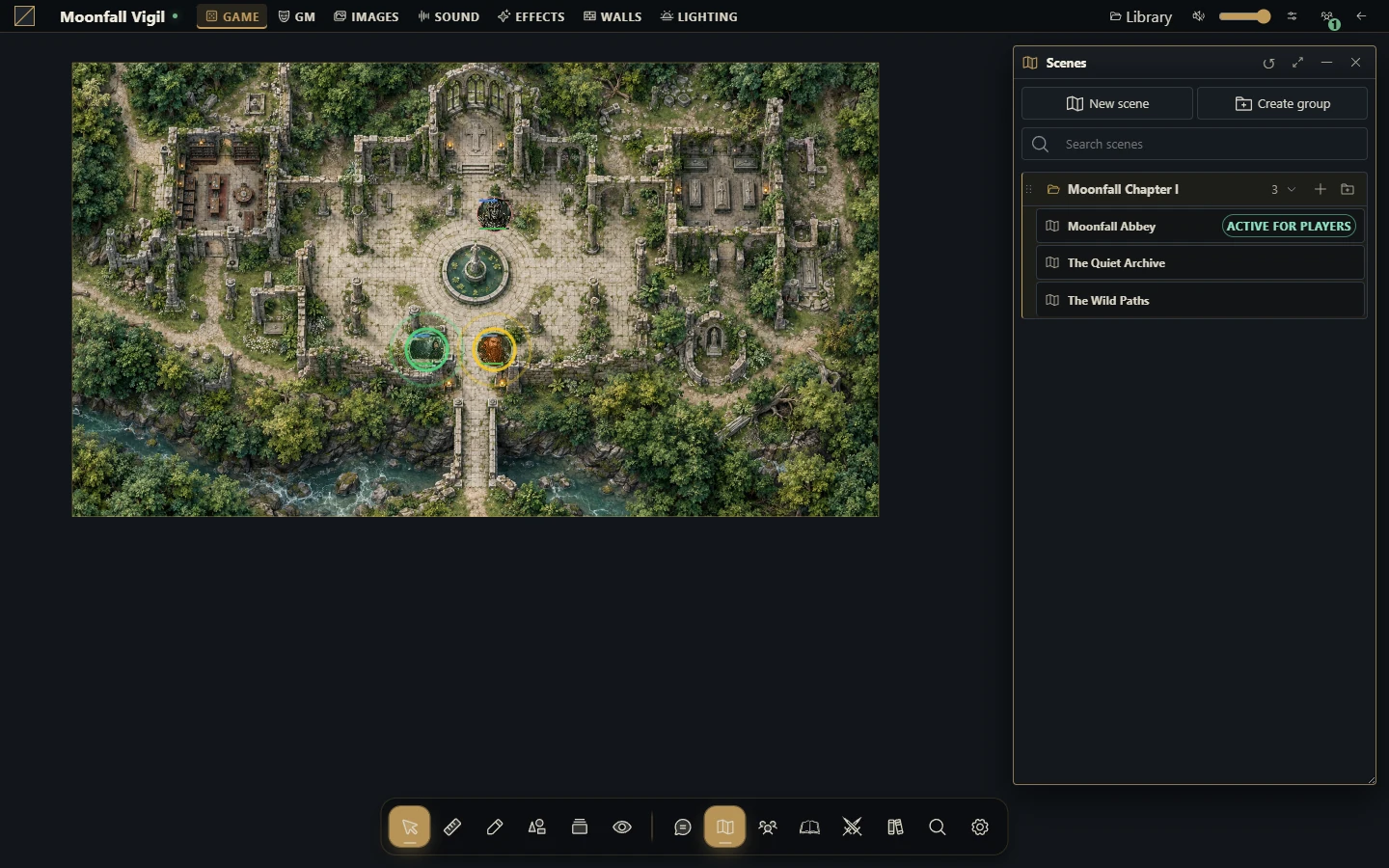
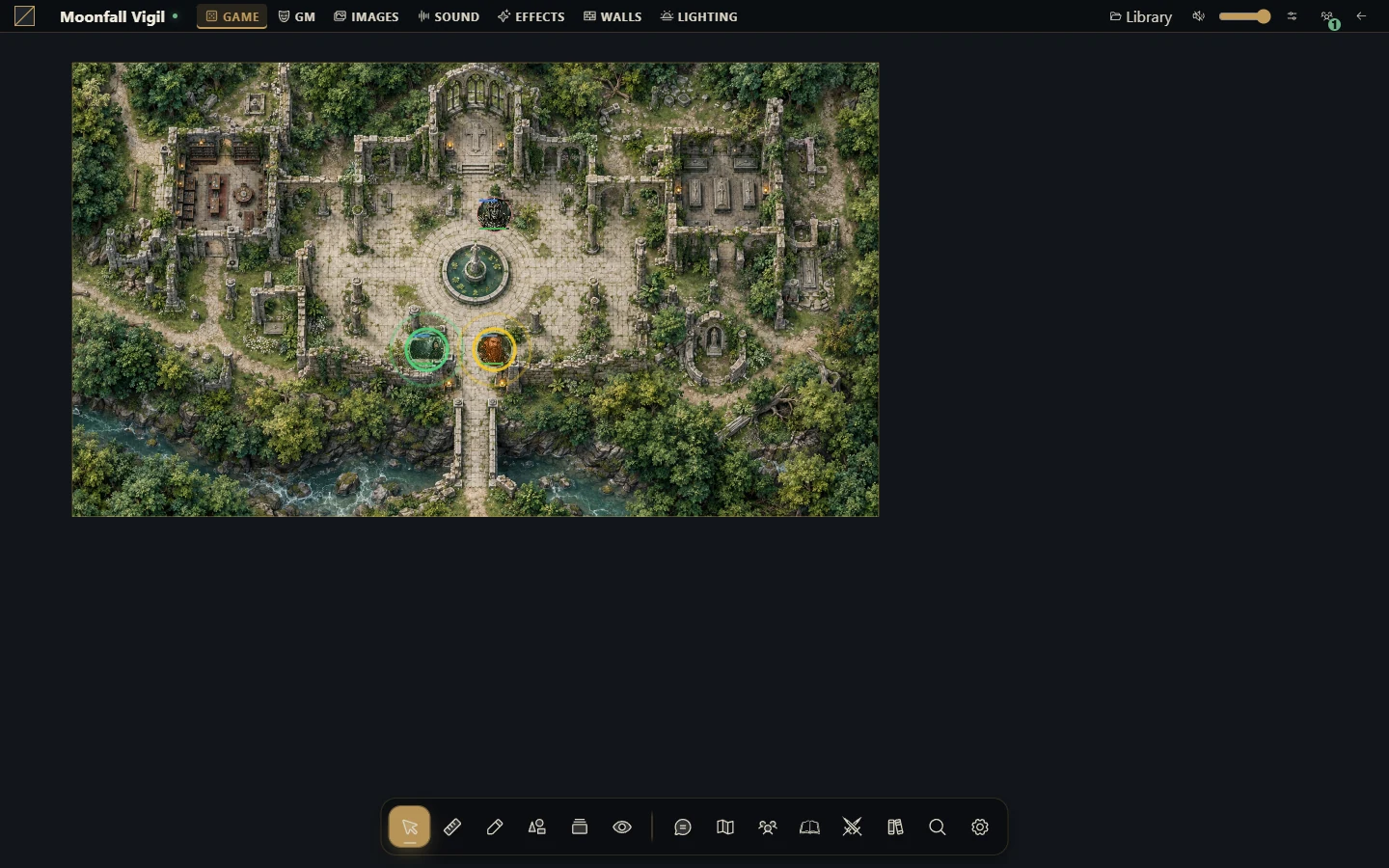
The tabletop combines the map canvas, tool controls, resource directories and windows for sheets and documents. Available controls depend on your role, the active tool and installed modules. Game masters can prepare privately while players stay on the broadcast scene.
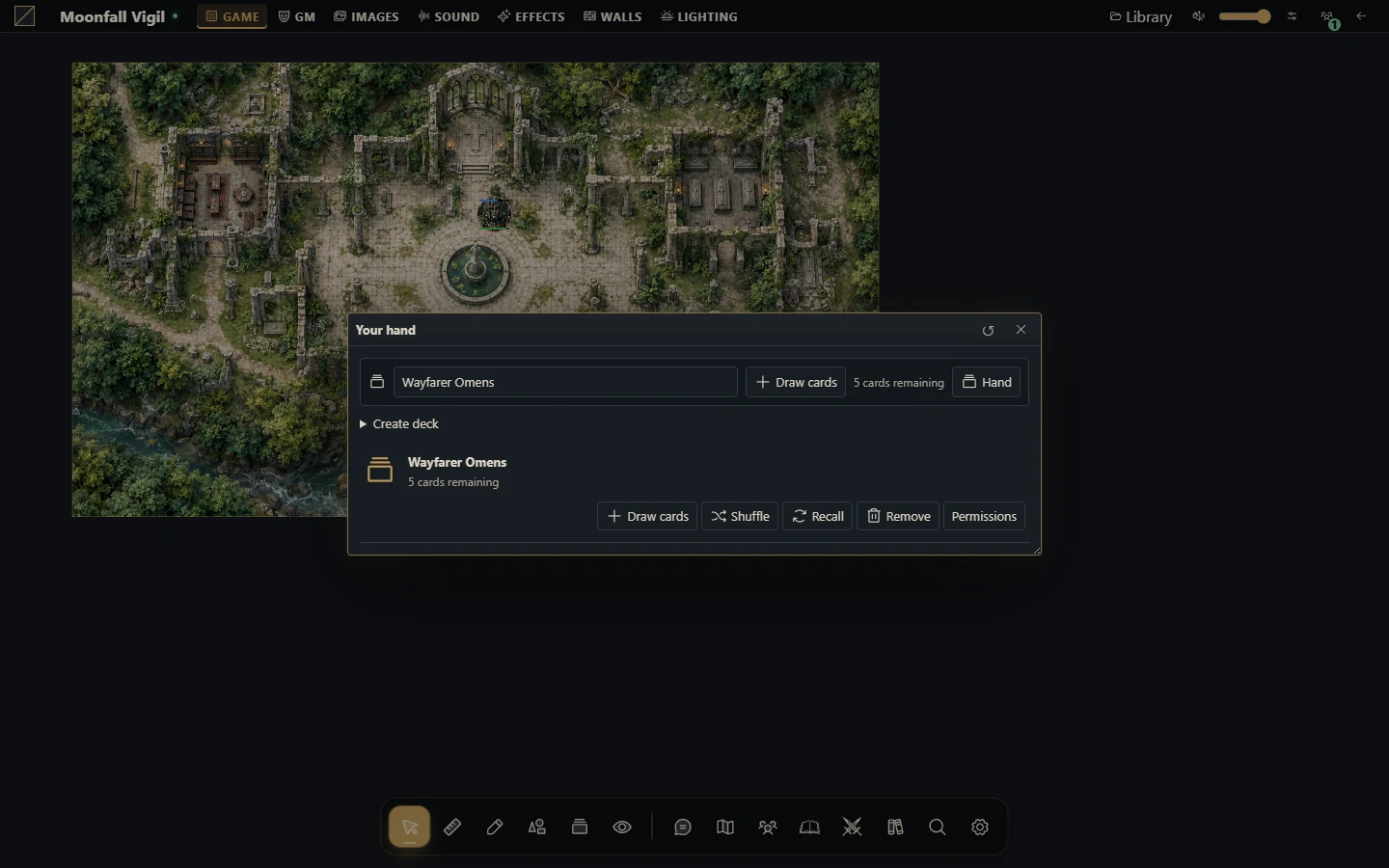
The main resource areas are scenes, actors, journals, chat and dice, audio, cards, combat and compendiums. The system provides sheet and rule behavior; browser modules may extend the interface.
Start a session
Open the campaign and confirm that its required system and modules load.
Open the intended scene as GM. Check the grid, walls, lighting and initial camera view.
Confirm actor ownership and place the required tokens.
Open the journals and reference material you need; share only the intended pages.
Activate the scene for players and check a player session.
Have players send a message, roll dice and interact with the table before starting the encounter.
Work on the map
Choose the tool for the operation: selection and movement, drawing, measurement, walls, fog, lighting, pings or effects. A selected token must be controlled and unlocked before it can move. Changing the active tool can explain why a click selects, measures or draws instead of moving a piece.
Keep the scene's complexity appropriate for the browsers in your group. WebGL is required for map rendering. Heavy visual effects, large images and many objects can affect clients differently; simplify and compare with a small scene when diagnosing rendering problems.
Reconnect and finish
If updates stop, check the network and reconnect. Refreshing reloads authorized server state; it does not turn an unsaved browser draft into a saved project. Keep an interrupted Builder tab open until recovery is complete.
At the end, stop audio, confirm important edits have saved and take a campaign snapshot or installation backup when appropriate. The host can stop the Runner with Ctrl+C after the group has left.
More screenshots for this guide (2)